The Best Productivity Tools For SMEs
Free your time with AI and never do silly tasks again
Why you can trust me: Testing Methodology & Editorial policy




Our review contains a few affiliate marketing links. If you purchase any of the tools, we might receive a small commission.
all giving your productivity the boost it deserves. In the upcoming productivity tool reviews, you'll often see keywords like AI assistants, time tracking, team collaboration features, and AI meeting assistants.
I have to admit, in the beginning I worked with virtual assistants via Google Sheets and it was very messy. Keeping track of completed tasks and comments was unproductive. When I first used Clickup, I was happy to get rid of the mess. I've recommended it to many friends who love it too, only to discover during this test how good Asana is as well. Once your whole team uses one tool, it makes sense to stick with it for a while though. So if you need to watch your budget and you’ve decided on your tool, I recommend switching to yearly plans because you can often save 20-30%.


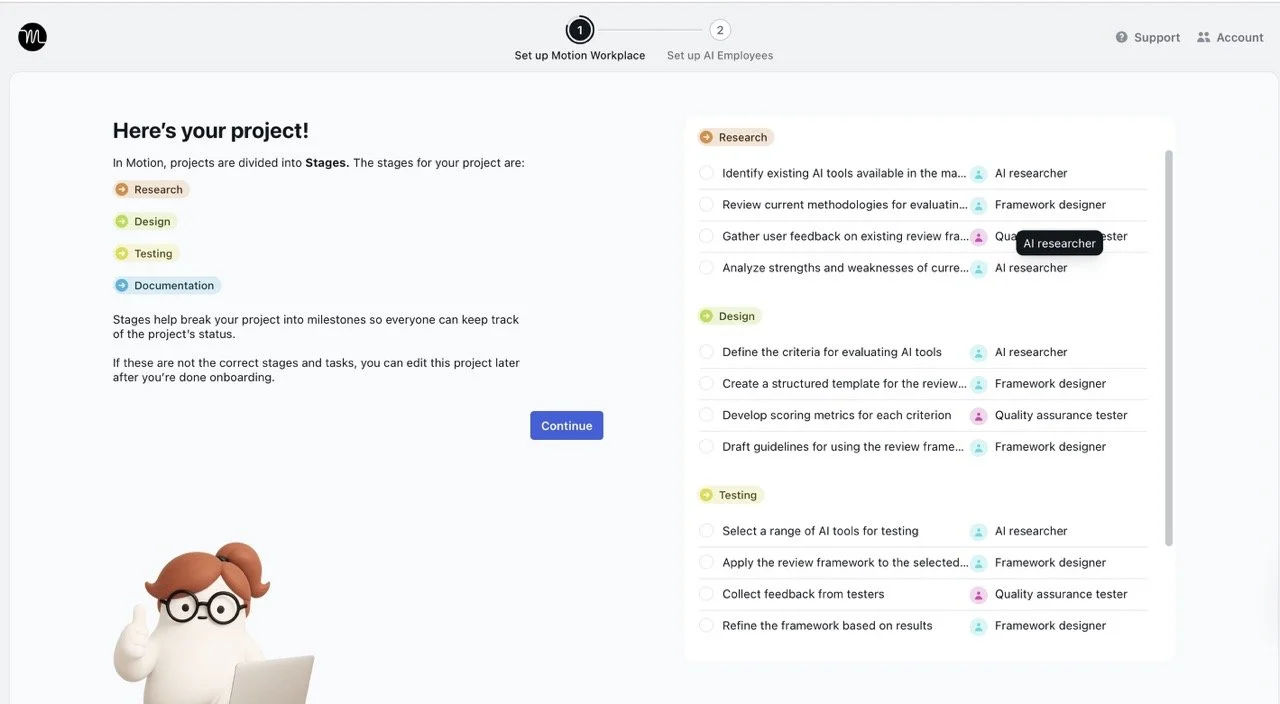


I was especially interested in how well the AI employees work and especially how they take over tasks and manage them in the background for me.
Overall, Motion looks like they know what they are doing: they have a great onboarding with videos, explaining how to set up AI employees with unique skill sets for your repetitive tasks. My first test creating a "Daily Meetings Brief" wasn't too useful, the connections it made from meeting to emails in my emails didn't make sense.
But I wasn't going to give up, Motion looks promising and I was right. I used the AI researcher called Spec and requested a monthly list of AI presentation AI tools with clickable URL links, sent straight to my email inbox. Spec was the right guy for this and completed the task flawlessly. And after playing around a bit more with my new friend, I was able to create more workflows with simple tasks that he can take over from me. Although not everything worked perfectly, I can see how with Motion and a little fine tuning (which is always required with AI anyway) the AI agents can be of great help and a real lever for any small business. And I can also see how this is totally the future!
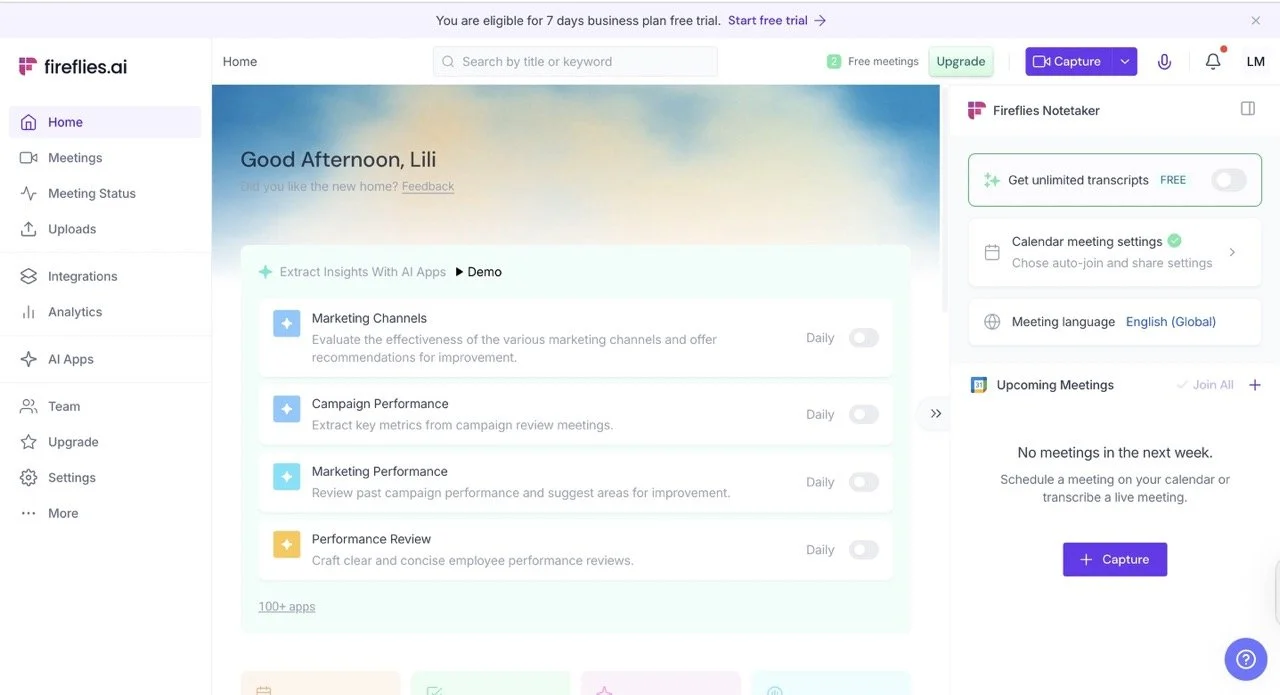
I've already reviewed Fireflies' end of 2024 as a note-taking app and already liked it back then. The transcription was very good already, it almost got everything right and had a well-working search function.
Today I like it even more because Fred AI let's me ask questions in natural language regarding the meeting notes and answered 100% accurately. This is a crazy time saver for busy bees and fireflies with lots of meetings. The automatic meeting recap I received per email could easily give my boss (if I had one) an excellent overview of how meetings went and what my action items were afterwards.
I also love the dashboard and simplicity of the setup.
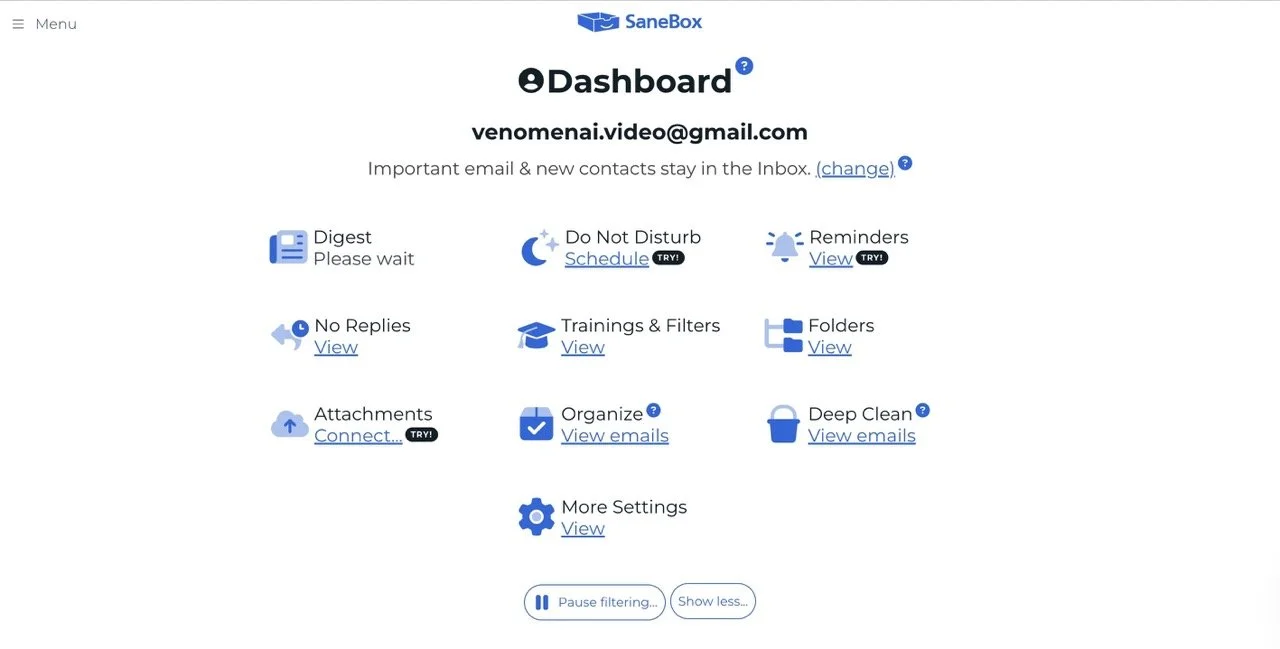
I've tested this with my Gmail inbox (it works with any provider though), and I really like it! It basically organises emails automatically in different buckets, without me having to do much. That is the big advantage compared to Gmail itself, where you can create labels, but are still stuck with a lot of manual work.
This is especially helpful for business owners or employees with heavy client communication. I was surprised how accurate it was in sorting emails into the right folders, including SaneBlackHole for things I never want to see again. The reminder function is also smart — instead of just showing me the original email, it sends a follow-up reminder that’s much harder to miss. My favorite feature is SaneLater, which automatically filters non-urgent emails so I can focus on what matters. I haven’t found anything else like it.
To be fair I should disclose that ClickUp is the tool I use with my team for task management. I really like it for its clarity, loading speed and solid project management features. My team can easily inquire about details and I can clearly communicate delivery times, priorities and assign team members.
As mentioned in the intro of this comparison, we are using ClickUp on the free plan and the only limitation we bumped into was the time tracker, which can only be used for 100 uses of basic time tracking features and can't be deleted once created (I'm sure we were not the only ones trying to work around it). Also, if you like instant messaging, ClickUp offers a chat function, but I prefer to write in each task. Alternatively you can simply connect ClickUp to Slack.
Plus, you can set up automations like automatically assigning certain team members for certain tasks or automatically moving tickets once they are done to a location. The AI capabilities were ok but not mind blowing. ClickUp Brain succeeded prioritizing my urgent tasks correctly by status group (To do, In Progress, etc.) but failed to provide me with a list of tasks which will be overdue by tomorrow. Still, nice that this feature is free.

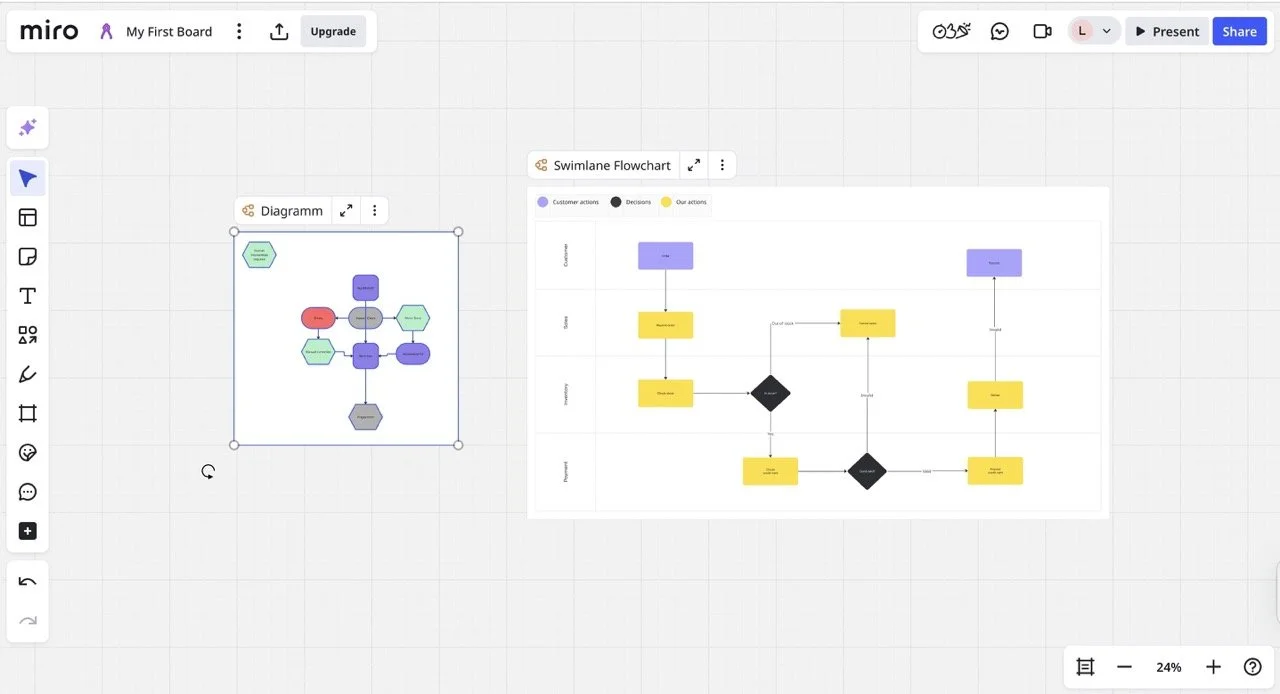
Miro is great for sketching out workflows and becoming clearer on a strategic setup. I used Miro, for example, to understand when setting automations for my second website, www.whichaitool.com. It allows step-by-step planning, which helps provide clarity on team responsibilities as well.
It's super easy to understand and I think their onboarding guide is so helpful, they even ask if you're using a trackpad or mouse and explain you based that how to use a Miro board.
Miro is built for collaborations with external and internal teams, you can easily assign members tasks, so they can work out the rest. Just like with other productivity tools you can leave comments, record videos explaining your setup or ask AI questions about your projects (this is still in beta and works so so).
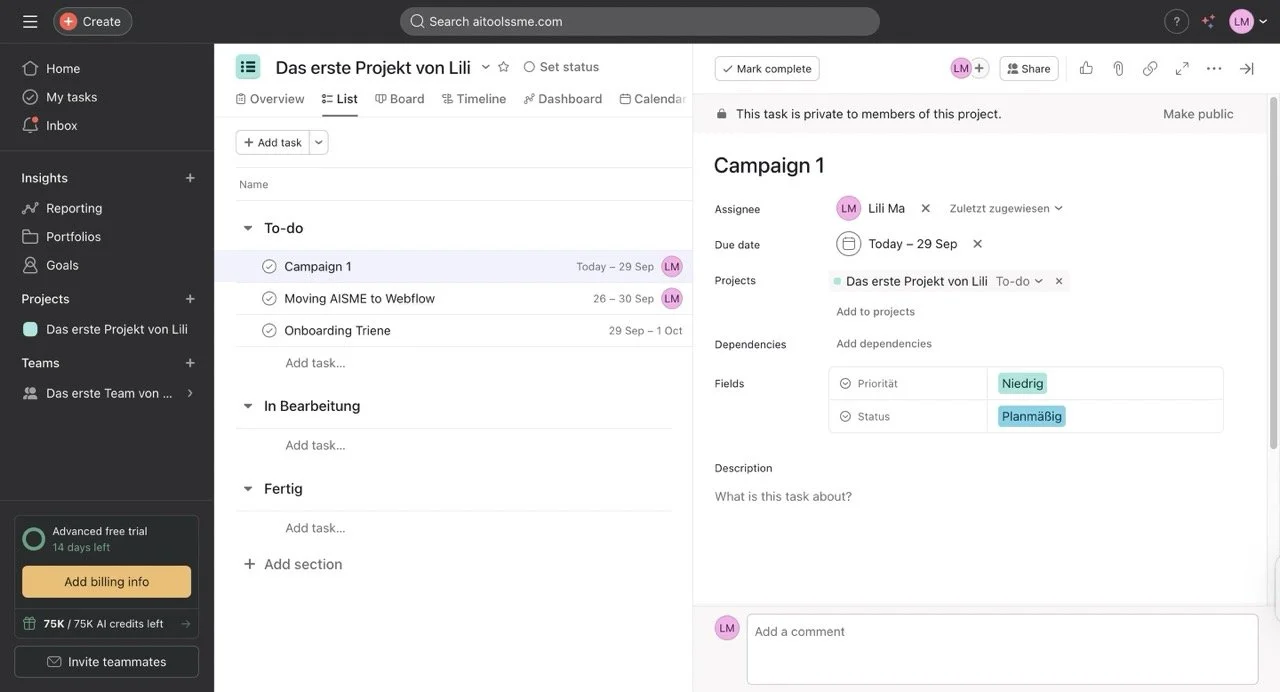
Honestly, I'm surprised by how much I like Asana now. A couple of years ago, I worked with a client on a project using it and I wasn't a fan back then, but now it almost comes up to ClickUp for simple task management. I really like their goal feature, which is similar to workflow planning tools like Miro boards that let you sketch out dependencies and set up strategies.
The AI was helpful, but not flawless. Some simple tasks, like changing names in bulk, it couldn't handle. But the fact that I can create tasks in bulk, assign them to the same person, and have the AI create a realistic timeline is really nice. But overall it's still a rather simple tool with simple AI.
I'm almost thinking about moving my team to Asana from ClickUp, but I think in the end, the advantages aren't big enough. Since all tools are in the AI race right now, the reality might look completely different tomorrow anyway.
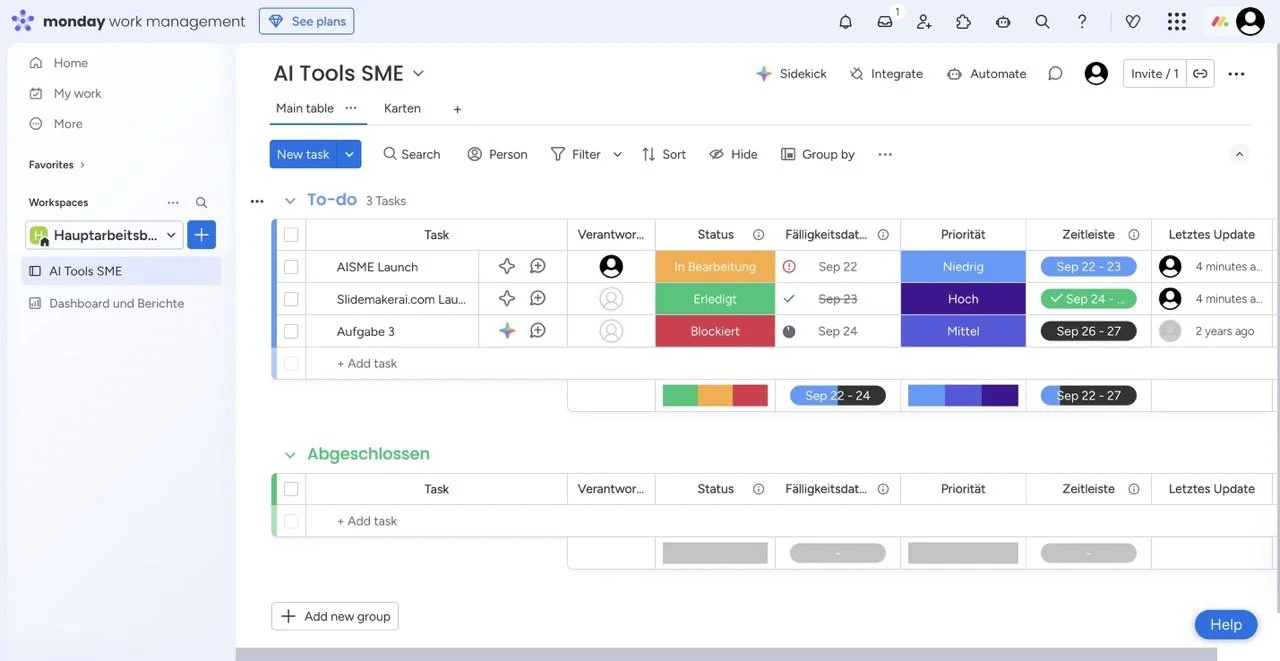
Monday.com is great for project management tasks. When I was working for Revolut, our external video agency implemented it for our collaboration. It's quite intuitive and easy to get started with. I like that you can build pretty cool dashboards to see the progress of things, but I personally prefer the dashboard of ClickUp, it just gives a slightly better overview and is visually more appealing.
You can create simple automations such as "When an item is created, please assign automatically to XXX", but I couldn't find the feature "AI Automations with Natural Language". I also tested their Sidekick AI bot and asked who had created a certain task, but it wasn't able to answer and it also struggled with other answers and had long loading times.
To be fair, this feature was still in beta and therefore didn't consume any AI credits.
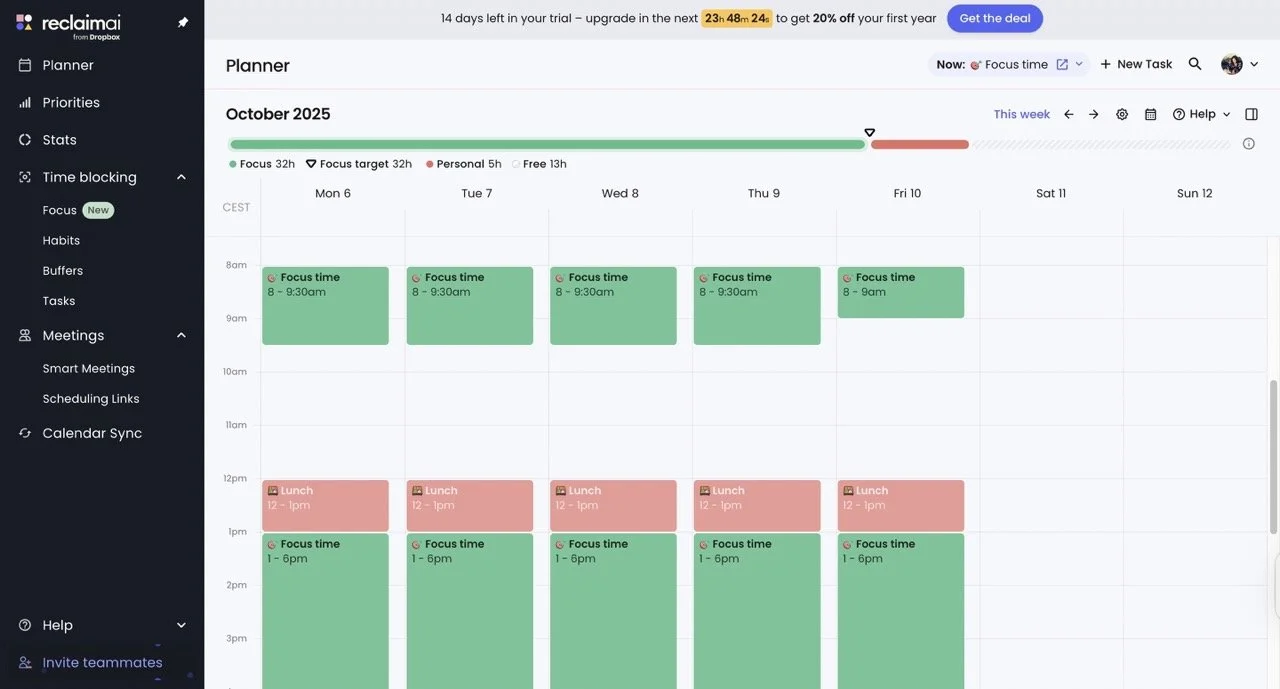
I've tested the priorities and smart meetings features and they are really helpful. I've filled in my Priorities in that tab, which allows you to set different levels of urgency for your calendar events, which helps reduce decision fatigue later on. I create a priority list always at the beginning of the month, and Reclaim would help me stick to it during the days when my head is overloaded.
Reclaim is a pretty straightforward calendar and scheduling app, and everything works really well. I had no hiccups, and the onboarding is clear. The AI is rather invisible and integrated into the Priorities and Smart Meetings features.
This tool is really helpful for people who have a busy schedule, but I think Motion overall offers a much more attractive package and has incredible AI features therefore I gave it only 3 points for tool performance.
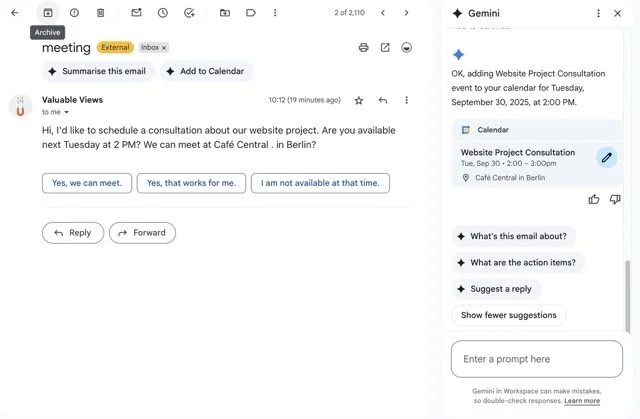
I've been using Google Workspace for AI Tools SME already, and wanted to test some features I didn't pay attention to before like the automatic event scheduling and the content creation workflow. I was already familiar with the email summarize feature, which is really helpful for longer threads.
The event scheduling worked perfectly. When I sent myself a fake email suggesting a meeting, I found a button on top of the email from Gemini that immediately created the event. All info, like time, date, and location, was automatically added to it - super convenient!
However, when I tried to set up the content creation workflow test scenario, I realized that Google wants extra money for this feature (it's part of the Business Standard+ package). I also couldn't test several other features including: Advanced smart scheduling, Smart Reply in Calendar, Meeting transcription and recordings.
Would I pay for Google Workspace just for the AI add-ons I tested? No. But if you already have a Workspace account, you'd be silly not to use it. They definitely add value to the experience without requiring any extra effort on your part.
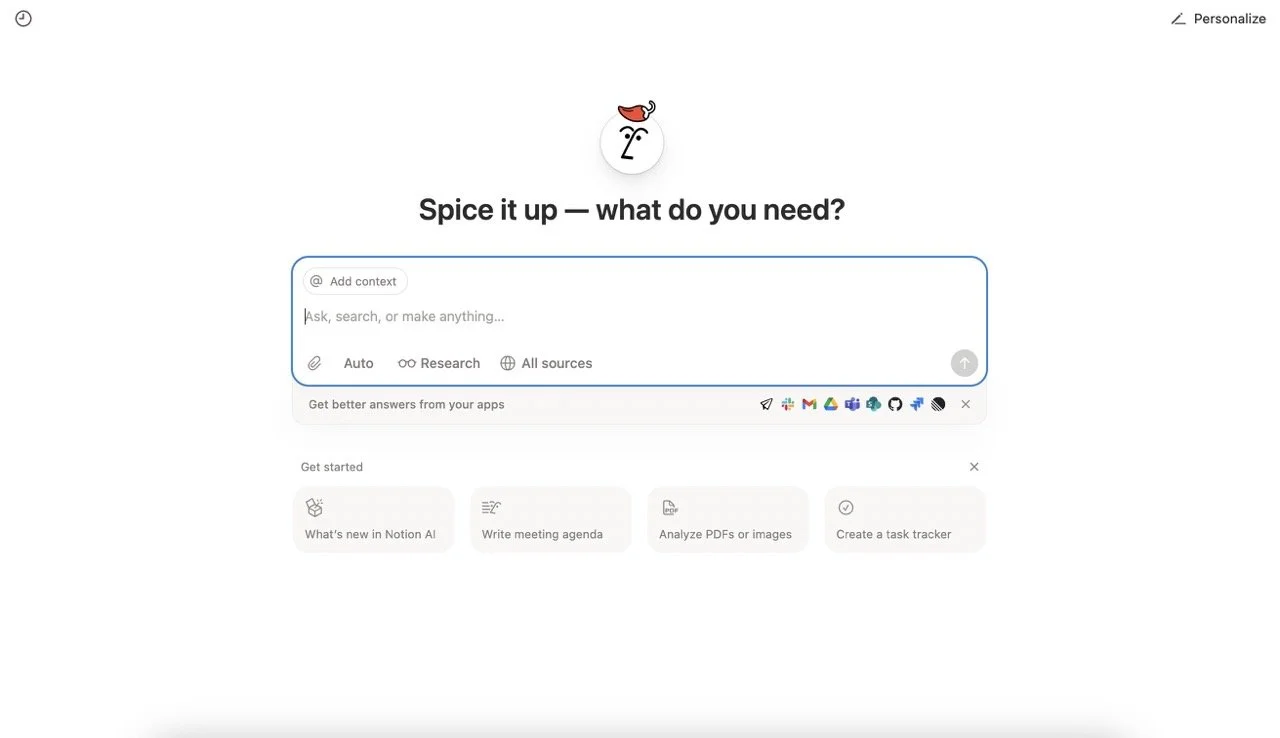
I've been using Notion for a couple of years already, but so far, I haven't really used it as a productivity app, but more like a multilevel document system. I store information and data I want to be able to access over a longer time there, for example, my tax or medical history with my own insights.
For this test, I was especially interested in Notion AI and wanted to ask about some of my email content, so I tried to connect it to my Gmail inbox. First it seemed like it was able to connect, but to the workspace email only. Later, it turned out that the connection didn't work; to be honest, the setup is a bit annoying.
So instead I chose a Notion page with dates for upcoming AI courses I'll be giving, as a context source for my chat with the bot. To be fair, my notes didn't say exact dates yet so I asked in the next step to research this info online, which it didn't succeed with. I tested a few more things, but nothing was truly smooth. So to say it short: in theory Notion AI is great, but in practice it will probably take another year until it's actually helpful.
Otherwise it's a great app, if you are happy to work with templates or build everything yourself and you're hacky, Notion can be very powerful. I for my part prefer productivity apps to save me time and provide a clear set up already.
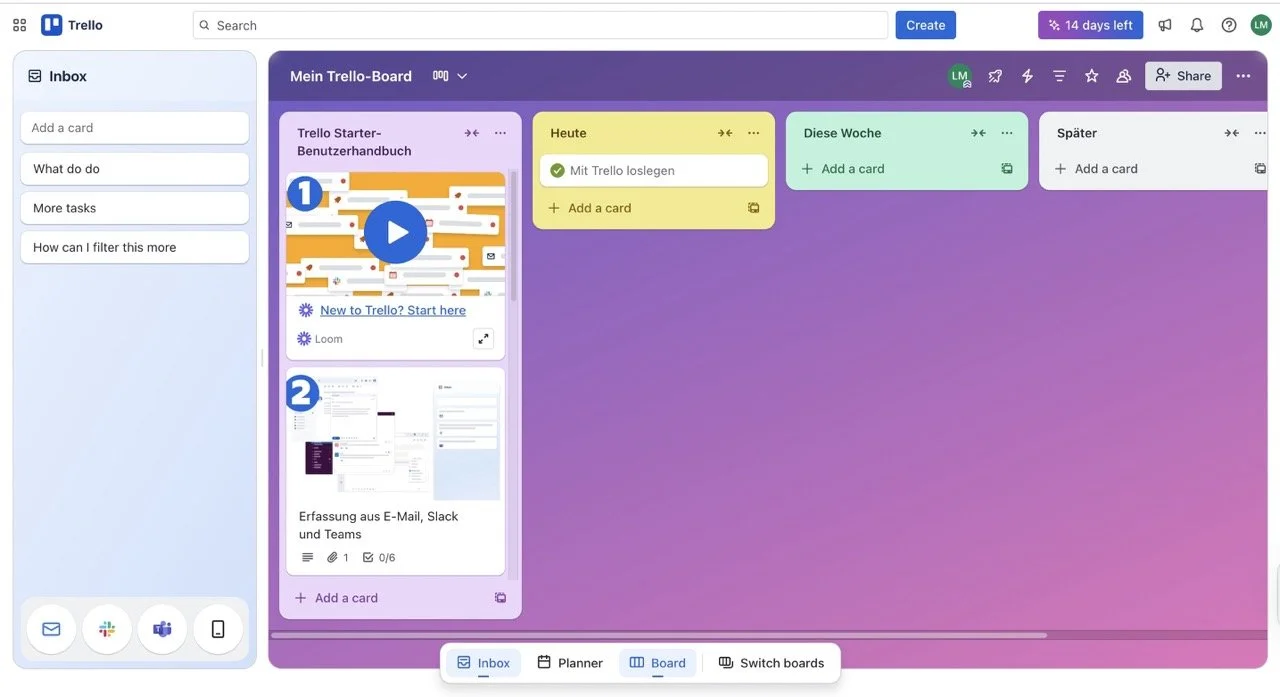
Trello remains a simple tool for task management, but still feels limiting for users needing more organizational flexibility. I used to use Trello a long time ago to organize my to-dos but eventually dropped it because there is no multilayered sorting system. I changed to Notion for documentation and ClickUp for to-dos.
And just like back then, Trello still feels rather limiting. I wish I could filter my to-dos in more ways, instead of just looking at the kanban boards. As for AI capabilities: Trello AI can summarize longer cards and craft a to-do list. Compared to Motion's AI capabilities, this is a bit weak.
Trello is good for people who want the simplest of simple to-do tracking, but doesn't offer much beyond that.